Business Card Mockup: A Realistic Look at Your Brand's First Impression
You’ve spent hours perfecting your logo, selecting brand colors, and choosing the right typeface. Now comes the moment of truth: seeing it all come together on a business card. But before you commit to a print run, how do you ensure the final product will look as polished and professional in your hand as it does on your screen? This is where a high-quality business card mockup becomes an indispensable part of your design toolkit, transforming a flat digital file into a tangible, three-dimensional preview that reveals the true impact of your work.
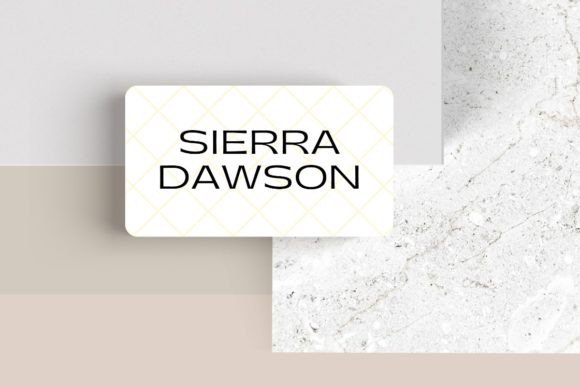
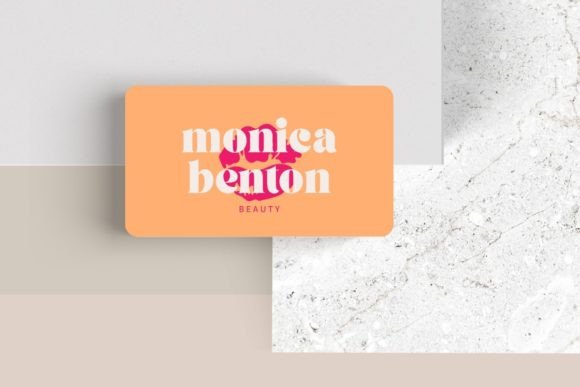
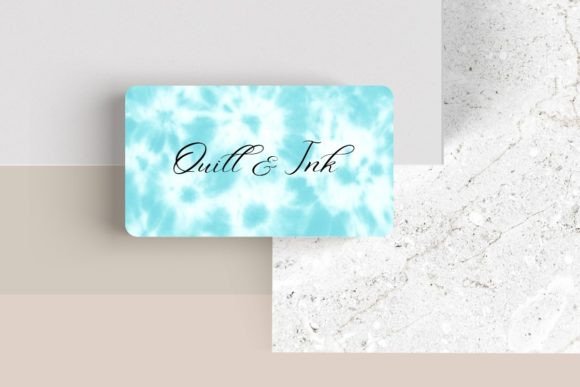
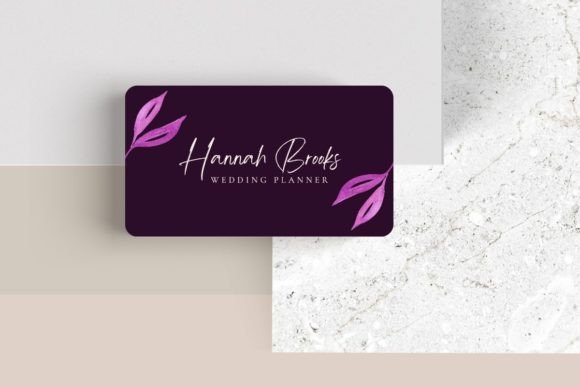
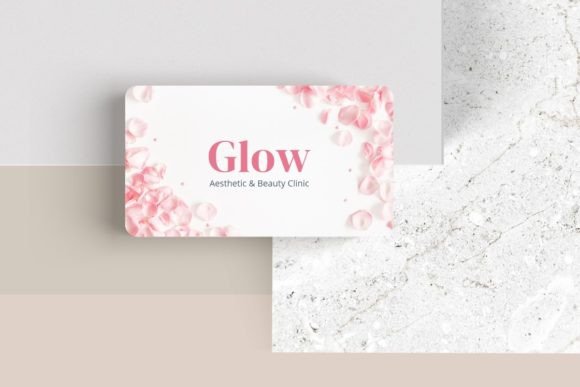
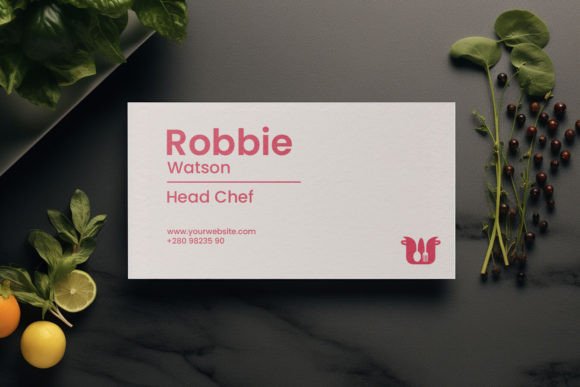
A mockup is essentially a pre-made template or scene that allows you to place your design onto a realistic representation of a product. For business cards, this means seeing your contact information and branding on a card that’s angled on a wooden desk, fanned out with others, or held between fingers. It’s the bridge between digital concept and physical reality. The visual appeal of a good mockup lies in its ability to simulate texture, lighting, and shadow—details that make the card feel authentic. You can instantly see how your chosen premium font will render, whether your color palette holds up under natural light, and how the overall composition feels in a real-world context.
From Screen to Strategy: Practical Uses for Your Branding
The utility of a business card mockup extends far beyond personal validation. It’s a powerful communication tool for designers and a strategic asset for business owners. For a designer presenting a logo and brand identity package to a client, showing the design on a mockup is infinitely more persuasive than a simple PDF. It helps the client visualize the end product, making the abstract feel concrete and increasing approval rates. It’s a key part of professional editorial design and presentation.
For entrepreneurs and marketers, these mockups are vital for creating consistent social media graphics and marketing assets. Announcing a new brand or a rebrand with a photo-realistic image of the business card generates far more engagement than a flat logo file. It can be used on your website’s “About” page, in blog posts discussing your brand journey, or in digital portfolios. This practice reinforces brand recognition by showing your identity in a relatable, physical format across multiple channels, from web design to packaging design presentations.
Choosing the Right Visual Style for Your Brand Voice
Not all mockups are created equal, and the style you choose should align with your brand’s personality. The environment, props, and lighting of the mockup scene tell a story. Consider these common scenarios:
- The Minimalist Studio: Clean lines, neutral backgrounds, and soft shadows. Ideal for brands that value sophistication, clarity, and modern typography. This style lets your sans serif font or elegant serif font take center stage.
- The Creative Workspace: Featuring tools of the trade—pencils, notebooks, plants, or a laptop. Perfect for designers, artists, and agencies that want to convey a hands-on, creative process. It pairs well with handwritten fonts or playful script fonts.
- The Corporate Context: Cards placed in a professional setting, perhaps on a leather portfolio or alongside a smartphone. Suited for consultants, law firms, or financial services aiming for a tone of trust and authority.
- The Textured Surface: Showcasing the card on materials like marble, linen, or rough wood. This adds tactile interest and can highlight special print finishes like foil stamping or letterpress, which a flat design can never convey.
The right mockup acts as an extension of your brand identity, reinforcing the message you want to send before a single word of the card is read.
Ensuring Your Design Details Shine Through
A primary function of a mockup is to stress-test the readability and visual consistency of your design. Zoom in on the mockup. Is the phone number still legible at a smaller size? Does the contrast between your font color and background hold up? This is a critical step for ensuring your final printed materials are functional. It forces you to make practical decisions about font pairing, spacing, and hierarchy that might be overlooked in a purely digital design phase.
Furthermore, it’s a final check on your font styles. Does the bold weight of your chosen typeface for your name feel balanced against the regular weight for your title? Does the tracking (letter-spacing) feel comfortable and professional? Seeing it in a simulated physical format provides the last layer of quality control, ensuring your commercial font choice performs as intended in the real world.
Integrating Mockups into Your Creative Workflow
Incorporating mockups is straightforward. Most are provided as layered PSD (Photoshop) files or smart objects. You simply open the file, locate the layer designated for your design (often marked “Your Design Here”), and paste or place your artwork. The mockup’s pre-set lighting, shadows, and perspective automatically apply to your design, saving you hours of complex photo editing.
This efficiency makes them ideal not just for business cards, but for visualizing entire suites of design assets. You can find matching mockups for letterheads, envelopes, notebooks, and even packaging, allowing you to build a cohesive presentation for a complete brand identity. For content creators, using a consistent set of mockups across your blog and social media creates a unified, professional aesthetic that builds audience trust and engagement.
Ultimately, a business card mockup is more than a pretty picture. It’s a practical tool for validation, communication, and marketing. It bridges the gap between your creative vision and the client’s or customer’s perception, ensuring that the professionalism you’ve built into every design choice is clearly and impressively communicated. By choosing a mockup that reflects your brand’s essence, you’re not just previewing a card—you’re staging the first chapter of your brand’s story.