Editable Canva Business Card #15: A Modern Networking Tool
You’re at a networking event, and you hand over a business card. In that split second, before a word is spoken, your card does the talking. It communicates your professionalism, your attention to detail, and the essence of your brand. A generic, flimsy card gets lost in a pocket. A thoughtfully designed one gets pinned to a corkboard or saved in a contact file. That’s the power of first impressions, and it’s precisely why having a versatile, high-quality design asset is so valuable for anyone serious about their professional presence.
More Than Just a Template
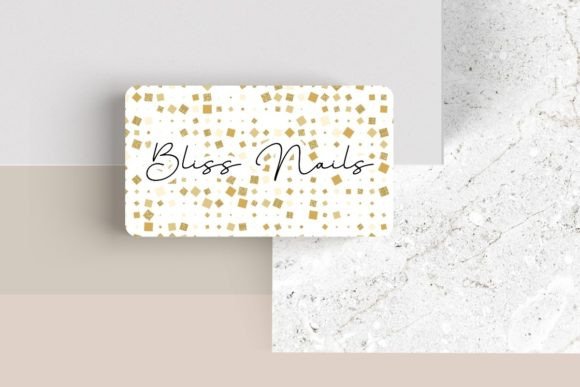
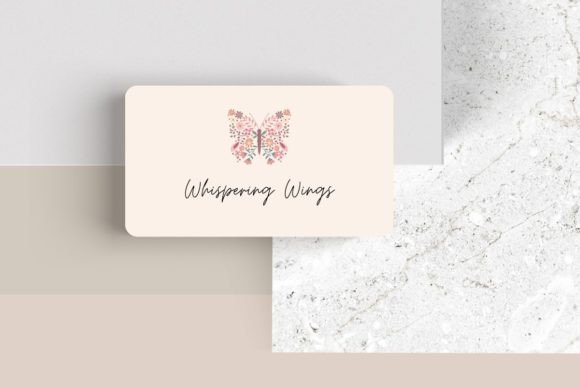
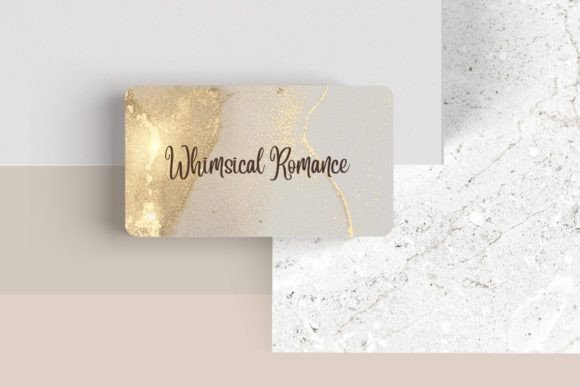
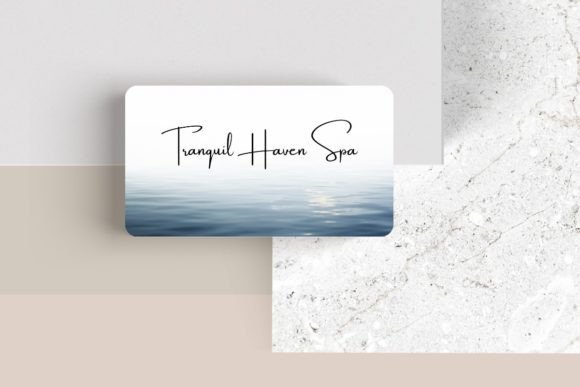
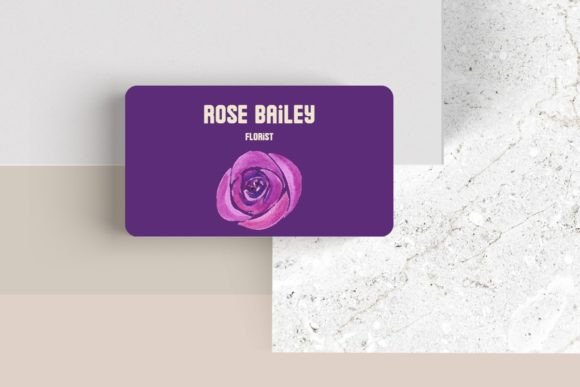
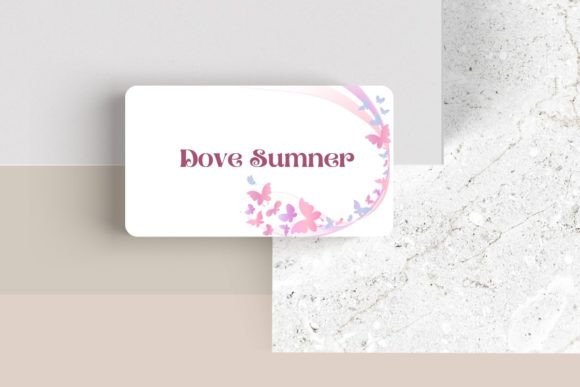
Editable Canva Business Card #15 isn't just another pre-made layout. It's a foundation for building a cohesive brand identity. The design leans into a sleek, modern aesthetic with clean lines and balanced spacing, making it incredibly adaptable. Whether your brand voice is minimalist and corporate or bold and creative, this template provides a starting point that can be molded to fit. The real magic, however, lies in its complete customizability within Canva’s intuitive platform. You’re not locked into a single vision; you’re empowered to create one.
Think of it as your personal design workshop. The 3.5″ x 2″ canvas is your playground. You can swap out the default typography for a premium font that resonates with your brand’s personality—maybe a sharp sans-serif for a tech startup or an elegant serif for a boutique consultancy. Adjusting font colors and sizes allows you to establish clear visual hierarchy, ensuring your name and title command attention. This level of control is crucial for creating a business card that feels authentically yours, not like a cookie-cutter solution.
Building a Recognizable Brand, One Card at a Time
Visual consistency is the bedrock of brand recognition. When your business card uses the same typeface, color palette, and design language as your website, social media graphics, and packaging, you create a seamless experience for your audience. Editable Canva Business Card #15 serves as a central hub for this consistency. By designing your card here, you establish a style guide of sorts—defining your chosen fonts, colors, and layout principles—that can then be applied across all your marketing assets.
This template is particularly useful for creating a suite of complementary materials. Imagine designing a business card, and then using the exact same font pairing and color codes to create matching letterheads, invoice templates, or social media profile banners. The result is a professional, unified look that builds trust and makes your brand instantly recognizable in a crowded marketplace. It’s about creating a visual system, not just a single item.
Practical Applications for the Modern Professional
The utility of a well-designed business card extends far beyond face-to-face meetings. Consider these practical scenarios where Editable Canva Business Card #15 shines:
- Digital Networking: Save your finalized design as a high-resolution PNG or PDF to attach to email signatures, include in digital portfolios, or share on LinkedIn. It’s a professional touch that adds credibility to your online interactions.
- Freelancer & Entrepreneur Portfolios: For designers, writers, or consultants, your business card is itself a sample of your work. A beautifully customized card demonstrates your design sensibility and attention to detail to potential clients.
- Event Marketing: Hosting a workshop, pop-up shop, or speaking engagement? A stack of distinctive business cards is an essential tool for collecting contacts and leaving attendees with a tangible reminder of your expertise.
- Packaging Inserts: For product-based businesses, tucking a branded business card into an order is a simple, effective way to encourage repeat business and direct customers to your website or social media.
- Creative Projects: The elements within the template—clean layouts, modern typography—can inspire designs for invitations, thank-you cards, or even editorial layouts for small publications.
Tips for Customization That Captivates
To make the most of this editable template, approach your customization with strategy. First, choose your typography with purpose. A script or handwritten font might convey creativity and approachability, while a bold sans-serif font projects stability and modernity. Test how different font pairings look together—a common practice is pairing a distinctive display font for your name with a highly readable sans-serif for your contact details.
Next, leverage the ability to move elements. Don’t feel confined to the default placement. Shift your logo to a corner, adjust the spacing between text blocks, or add a subtle color block to create visual interest. The goal is to achieve a balanced, harmonious layout that guides the viewer’s eye naturally from the most important information to the supporting details.
Finally, consider the end use. If you plan to print the cards, ensure your color choices will translate well from screen to paper. CMYK color codes are essential for professional printing. If the card will primarily be digital, vibrant RGB colors can make your design pop on screens. This template gives you the flexibility to optimize for either medium.
Make Your Connection Count
In a world where digital communication often dominates, a physical business card remains a powerful tool for making a genuine, memorable connection. Editable Canva Business Card #15 provides the perfect blend of professional design and user-friendly customization, putting the power of a graphic designer into your hands. It’s more than just a piece of paper; it’s a tactile representation of your brand’s story, your professionalism, and your commitment to quality. By investing the time to personalize this template, you’re not just creating a contact card—you’re crafting an experience that starts conversations and builds lasting professional relationships.