Bring Your Game to Life with the Gamer Text Effect
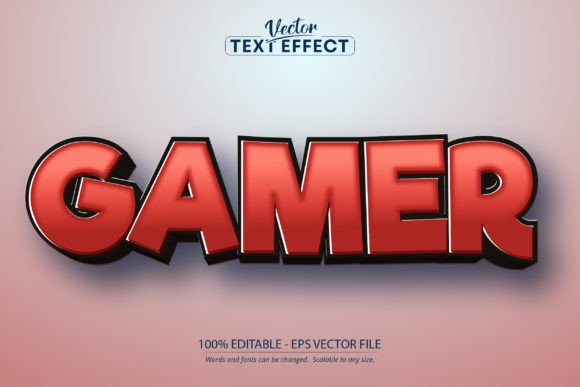
There’s a certain energy that jumps off the screen when you see the right typeface. It’s the difference between a flat, forgettable design and one that pulses with personality. If you've ever struggled to capture that vibrant, dynamic feel in your projects—especially for gaming, entertainment, or youth-focused brands—you know the challenge. You need something that feels alive, playful, and immediately recognizable. That’s where a specialized asset like the Gamer Text Effect, Editable Cartoon steps in, offering a shortcut to that high-impact visual style without requiring you to be a typographic wizard.
More Than a Font: A Style That Pops
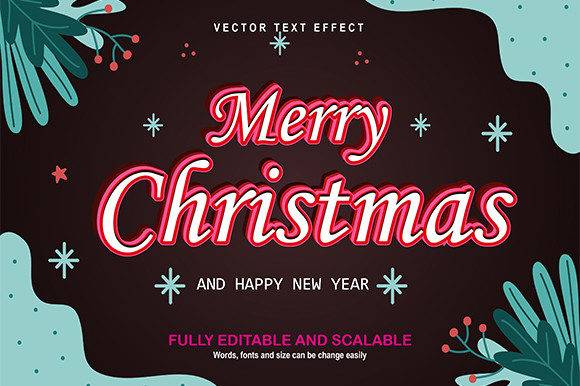
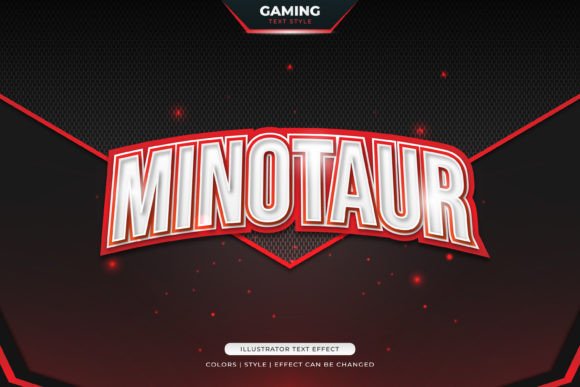
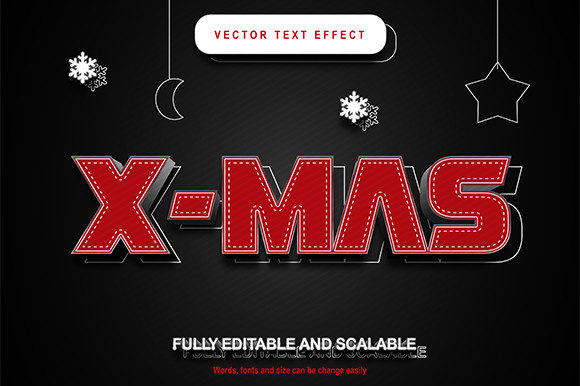
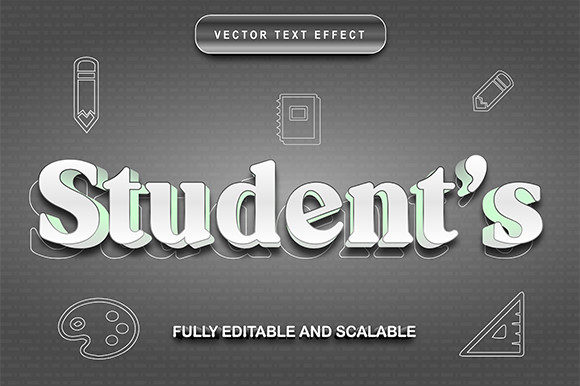
Let’s clear up a common point of confusion right away. This isn't a traditional font file you install and select from a dropdown menu. Think of it as a pre-built style or a "font effect" designed specifically for Adobe Illustrator. It’s a template that applies a particular cartoonish, bold, and energetic treatment to any text you type. The visual appeal lies in its instant transformation: your plain letters get wrapped in a style that suggests motion, fun, and a bit of playful attitude. It’s the kind of look you’d spend hours trying to manually create with gradients, strokes, and effects, but here it’s ready to go with a single edit. For anyone working within the Adobe ecosystem, this is a powerful design asset.
Where This Cartoon Style Truly Shines
The real value of a creative font like this is its versatility across different mediums. Its bold, graphic nature makes it perfect for projects where you need to grab attention quickly and communicate a clear, energetic vibe.
- Brand Identity & Logo Design: For a gaming channel, a tech review blog, a kids' apparel line, or a mobile app, this effect can form the core of a memorable logo. It instantly tells your audience what you're about before they read a single word of your tagline.
- Digital Marketing & Social Media: Cut through the noise on crowded feeds. Use it for YouTube thumbnails, Instagram story headers, Twitch stream overlays, or Facebook ad graphics. The style is inherently "thumb-stopping," which is half the battle in social media marketing.
- Packaging & Merchandise: Imagine this text on the packaging for a new line of energy drinks, a box of colorful toys, or the label for a craft beer with a playful brand. It translates beautifully to physical products, adding shelf appeal. It’s also fantastic for designing merchandise like t-shirts, stickers, and posters.
- Events & Invitations: Planning a gaming tournament, a birthday party for a teenager, or a themed event? The Gamer Text Effect can set the tone perfectly for invitations, banners, and promotional posters, building excitement from the first glance.
- Web & Editorial Design: While body text needs to be clean and readable, this style is a champion for headlines, section titles, and call-to-action buttons on websites and in digital magazines. It adds a layer of personality and breaks up monotony in a long article or page layout.
Practical Tips for Using a Bold Display Style
Jumping into a project with a strong stylistic element like this requires a bit of strategy to ensure it enhances rather than overwhelms your design. Here’s some practical advice for getting the most out of it.
Pairing is Everything. A display font with this much character should almost never be used for long paragraphs. Its job is to headline. Pair it with a clean, neutral sans-serif font for body text. Think of it like a conversation: the cartoon text effect makes a bold, exciting statement, and the supporting font provides the clear, readable details. Testing a few pairings is key—sometimes a geometric sans-serif works best, other times a softer, rounded one complements the cartoon vibe.
Context is King. Always consider your audience and project goal. This style is perfect for a gaming convention poster but might feel out of place on a law firm's annual report. Use it where its personality aligns with the message you want to send. It communicates fun, creativity, and approachability.
Editing for Impact. Because it's 100% editable in Illustrator, you have full control. Don’t just type and go. Adjust the kerning (letter spacing) to make sure the letters feel balanced. Scale it up to massive sizes for posters or down for social icons—it’s built to be scalable without losing quality. You can also tweak the colors within the effect to match your specific brand palette, which is crucial for maintaining visual consistency across all your materials.
Considering the Practical Details
Before you dive into a project, a few practical checks will save you time. First, confirm you have the necessary software. This asset is an Adobe Illustrator EPS file (CS6 format or later). It won’t work in Photoshop, Canva, or other design software, so it’s tailored for professional designers and those comfortable with Illustrator.
Next, always review the licensing for any commercial font or design asset. Even though you purchase it, understanding the terms for commercial use is essential to avoid any issues down the line, especially if you're creating products for sale or client work. The included ReadMe file is there for a reason—give it a quick read.
Finally, don’t get discouraged if your first attempt doesn’t look perfect. Play with the text, try different words, and see how the effect reacts. Sometimes, a shorter, punchier word works better than a long phrase. The goal is to use this tool to inject life into your work, so have fun with the process. It’s a fantastic way to add a professional, polished, and engaging element to your creative toolkit, helping your projects stand out and connect with your audience on a more playful level.