Instant Charm: How to Use Editable Text Effects in Illustrator
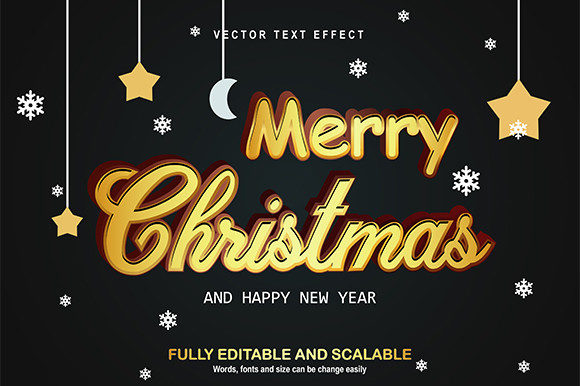
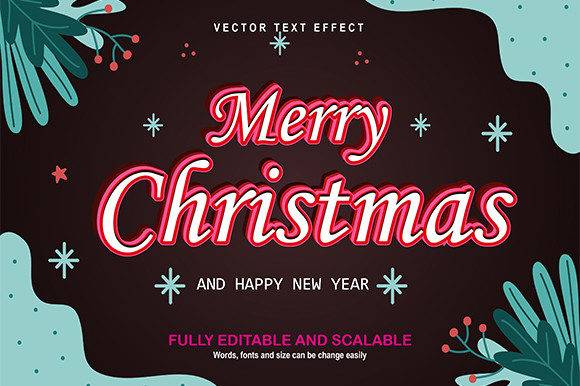
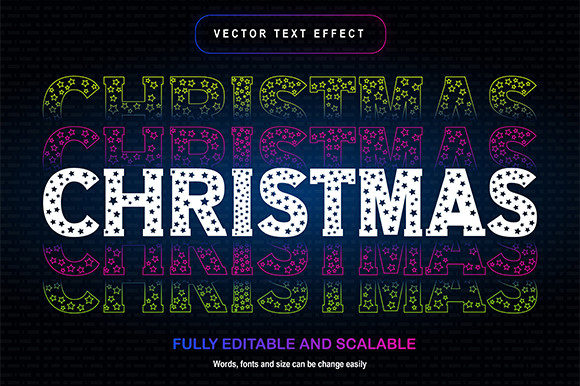
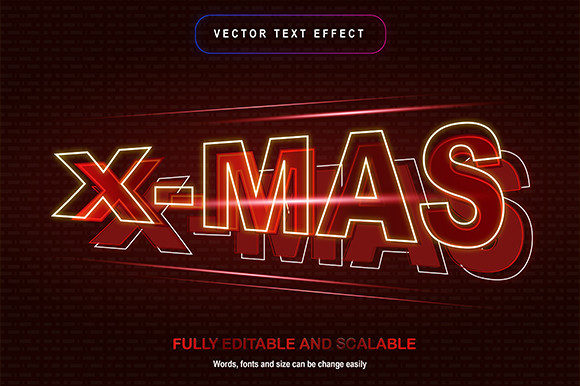
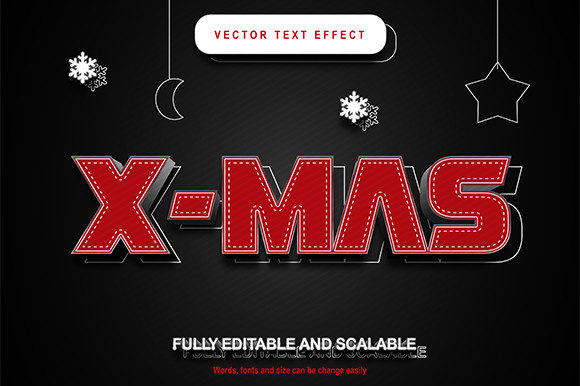
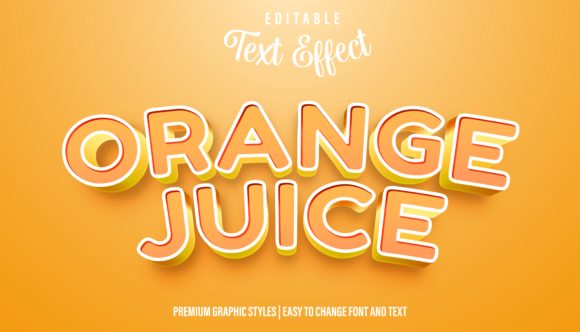
There’s a specific moment in every design project where you stare at a perfectly clean vector logo or a stark headline and realize it feels a little... cold. You’ve got the layout right, the message is clear, but it lacks that final spark of personality that grabs a viewer’s attention. Often, we turn to complex textures or raster overlays to fix this, which can muddy our crisp vectors and make editing a nightmare later. But what if you could inject that personality—think candy-colored gloss, dimensional puffiness, or retro flair—directly into your live text? That is the power of a well-crafted Cute Editable Text Effect Graphic Style. It bridges the gap between flat typography and dynamic illustration, allowing you to transform standard letters into eye-catching assets without ever expanding your text to outlines.
Why Live Text Matters for Modern Branding
If you’ve ever had to fix a typo in a logo after the text has been converted to outlines, you know the frustration. A high-quality Cute Text Effect Graphic Style for Illustrator is designed to solve this common headache. By utilizing the Appearance Panel in Adobe Illustrator, these styles apply complex fills, strokes, and effects directly to your live type. This means you can type out "Happy Birthday" or your brand name, apply the style, and then change the font, resize it, or correct the spelling instantly.
For small business owners and entrepreneurs, this flexibility is invaluable. Imagine you are creating a series of stickers for a children’s brand. You need consistency, but you also need variety. With a Cute Editable Text Effect, you can maintain the exact same visual treatment across different phrases—like "Best Seller," "New Arrival," or "Limited Edition"—ensuring your brand identity remains cohesive. It turns a standard sans serif font or a playful script font into a distinct visual signature that customers will recognize immediately.
From Game Titles to Packaging: Real-World Applications
The versatility of these styles goes far beyond simple logos. Because they are vector-based, they scale infinitely, making them perfect for a wide range of design assets. Here is how creative professionals are using these tools to elevate their work:
- Social Media Graphics: In the fast-scrolling world of Instagram and TikTok, you have milliseconds to make an impression. Applying a glossy, 3D-style effect to your headlines creates an immediate focal point, increasing engagement and click-through rates for your social media graphics.
- Packaging Design: For physical products, texture and "shelf appeal" are everything. A Cute Editable Text Effect can simulate the look of embroidery, neon, or even frosting, which is perfect for food packaging, cosmetics, or kids' toys.
- YouTube Covers and Thumbnails: Web design and digital content rely heavily on visual hierarchy. Using a stylized typeface helps your content stand out in a crowded feed. It adds a level of professionalism that suggests high-quality content inside.
- Merchandise and Invitations: Whether you are designing wedding invites or t-shirts, the ability to drag and drop a style means you can mock up designs rapidly. It allows for creative experimentation with different font pairings to see what works best for the mood of the event.
Mastering the Workflow: Drag, Drop, and Edit
One of the most significant advantages of using a Cute Editable Text Effect Graphic Style is the efficiency it brings to the design process. Instead of manually constructing shadows, highlights, and outlines for every single element, the style automates the heavy lifting. The workflow is intuitive: you select your text, choose the graphic style from your library, and the transformation happens instantly.
However, the real magic lies in customization. Once the style is applied, you can still tweak the settings in the Appearance panel. You might find that a specific effect looks better with a serif font rather than a handwritten font. You can experiment with the baseline shift or the tracking without breaking the effect. This flexibility makes it an essential tool for editorial design, where headlines need to feel dynamic but must still fit within strict layout grids.
Consider the impact on visual consistency. If you are a content creator managing a brand across multiple platforms, using these styles ensures that your "Sale" graphics on your website match the "Sale" graphics on your email newsletters perfectly. It eliminates the guesswork and ensures that your commercial font treatments look polished every time.
Pairing Styles with the Right Typeface
While the graphic style provides the "wow" factor, the underlying typeface provides the voice. A common mistake is to apply a complex effect to a font that is already too busy. When working with these styles, it is often best to start with a cleaner typeface—like a bold sans serif font or a geometric display font. This allows the texture and dimension of the effect to shine without making the text illegible.
For example, a "puffy" text effect works beautifully on rounded, thick letters, creating a sticker-like aesthetic perfect for branding aimed at younger audiences. Conversely, a metallic or chrome effect might pair better with a sharp, angular premium font for a gaming or tech-related project. Always test your font pairings by typing out different words to see how the effect handles curves versus straight lines.
Commercial Licensing and Professional Presentation
For designers working with clients, the practicalities of licensing matter. Most high-quality design assets like these graphic styles come with a commercial license, allowing you to use them in client work, merchandise, and digital products for sale. This is a massive time-saver for freelancers who need to produce professional results quickly.
When you present a client with a logo mockup that utilizes a Cute Editable Text Effect, you are showing them the final result in its full glory. It helps the client visualize the potential of their logo design in real-world scenarios. It moves the conversation away from abstract concepts and toward concrete, market-ready visuals. By leveraging tools that enhance professional presentation, you build trust and demonstrate your capability to deliver high-end marketing assets.
Ultimately, design is about communication. A Cute Editable Text Effect Graphic Style is more than just a visual trick; it is a communication tool that adds tone, emotion, and emphasis to your words. It allows you to tell a richer story, whether you are designing a poster for a local fair, a header for a blog, or a label for a new product. By integrating these styles into your toolkit, you ensure that your typography is never just passive text, but an active participant in your visual storytelling.