Modern Box Text Style: 3D PSD Effect for Branding
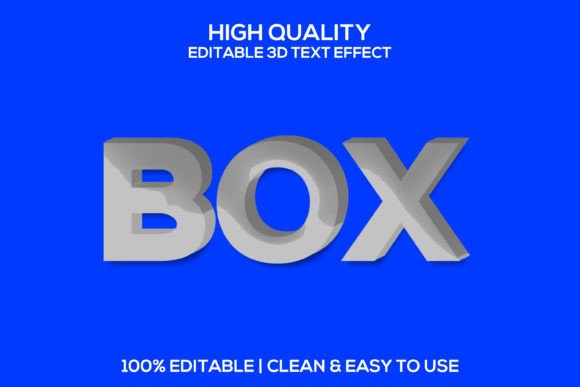
There's a moment in every designer's workflow where a standard font just doesn't cut it. You've got the perfect logo concept or a stunning social media graphic, but the text feels flat, like it's just sitting on top of the design rather than being part of it. That's where the power of a dedicated text effect comes into play, transforming simple letters into tangible, eye-catching assets. The Box | 3D Box Editable Psd Text Effect is built for exactly this scenario, offering a quick way to inject depth, dimension, and a premium feel into your typography without spending hours in Photoshop manually crafting bevels and shadows.
More Than Just a Font: Adding Tangible Depth
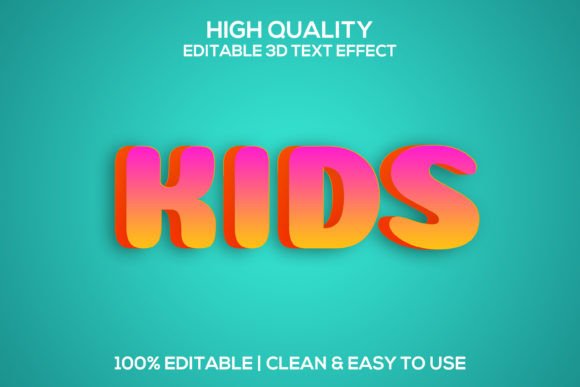
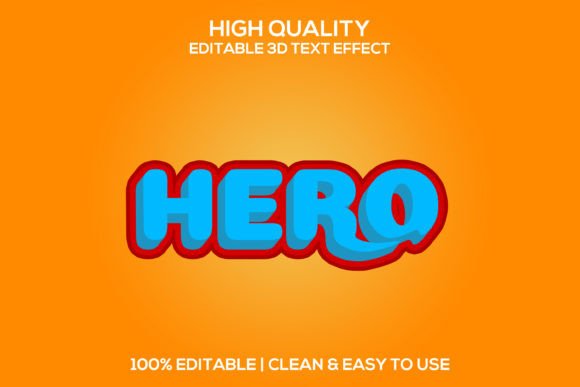
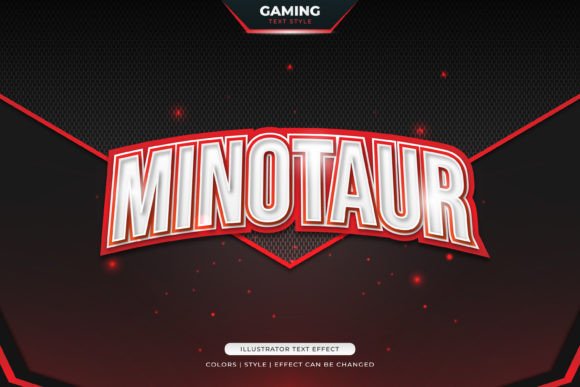
This isn't merely a typeface; it's a design system for your text. At its core, the effect uses Adobe Photoshop's smart objects to wrap any font you choose in a realistic, three-dimensional box structure. Imagine your brand name or headline appearing as if it's sculpted from a solid block, with clean edges, subtle shadows, and highlights that interact with a light source. The result is inherently modern and clean, making it suitable for projects that need to convey stability, innovation, or a playful, cartoonish vibe—depending on the colors and context you apply. The 3000x2000 pixel canvas at 300 DPI ensures your final output is sharp enough for both digital screens and high-quality print materials.
Practical Applications Across Your Projects
The true value of a versatile asset like this lies in its adaptability. Consider these real-world uses:
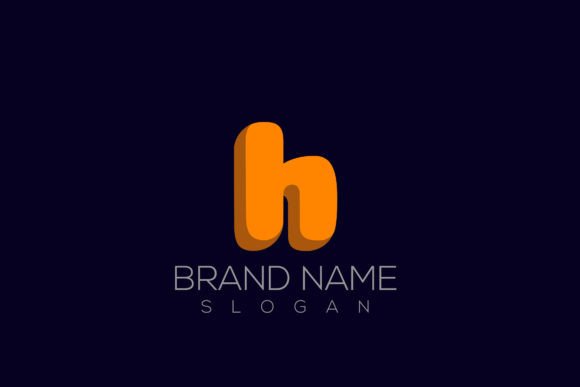
- Logo & Brand Identity: Create a standout logotype for a tech startup, a gaming company, or a modern retail brand. The 3D effect makes the logo memorable and helps establish a strong visual identity from the outset.
- Marketing & Social Media: Stop thumbs in their tracks on Instagram or Facebook. Use the effect for sale announcements, product launches, or quote graphics. The layered, editable nature means you can create consistent templates for your social media graphics, saving time and reinforcing brand recognition.
- Packaging & Merchandise: For physical products, this text style can be applied to box designs, labels, or even t-shirt graphics. It gives a tactile quality to the design that suggests quality and craftsmanship.
- Digital Products & Web Design: Enhance app interfaces, website hero sections, or digital product covers. The clean, vector-like appearance ensures it scales beautifully and maintains readability.
Streamlining Your Creative Workflow
One of the biggest hurdles in design is achieving professional results efficiently. This PSD text effect is designed as a time-saver. The process is straightforward: open the file, double-click the smart object layer, replace the placeholder text with your own, and save. The effect automatically applies to your new text, complete with all the customizable layers for colors, shadows, and background. This "easy to use" philosophy is a game-changer for small business owners and content creators who need high-quality assets but may not have advanced Photoshop skills. You get a fully layered, customizable template that acts as a foundation for countless variations.
Choosing the Right Style for Your Message
While the effect itself is consistent, the underlying font you pair with it dramatically changes the personality. A bold, sans-serif font inside the 3D box will feel authoritative and tech-forward—perfect for a software company or a sports brand. A rounded, sans-serif might lean more friendly and approachable, ideal for a children's app or a food blog. Even a clean serif font can be used for an unexpected, editorial look. The key is to match the font's inherent style with your project's goals. Don't just pick what looks "cool"; think about what communicates your message most effectively to your target audience.
Ensuring Readability and Professional Polish
A common pitfall with decorative text effects is sacrificing readability for style. Always test your final design at the size it will be viewed. Will the 3D effect make the text harder to read on a small mobile screen? For body text, it's generally not suitable, but for headlines, logos, and short calls-to-action, the added dimension can actually improve focus and engagement. Review the included layered styles to adjust shadow depth or highlight intensity if the effect feels too heavy. A subtle, clean application often reads as more premium than an overly exaggerated one.
Key Considerations Before You Download
Before integrating any design asset into your workflow, especially for commercial use, a quick check is prudent. This specific text effect is described as 100% editable and fully customizable, which is excellent for tailoring it to different brand guidelines. However, always verify the licensing terms of the asset you purchase to ensure it covers your intended use, whether for client work, merchandise, or digital products. The asset is a tool; understanding its capabilities and limitations ensures you use it to its full potential. Think of it as part of your broader toolkit for building a cohesive and professional visual presence, from your online store to your marketing collateral.
Ultimately, the goal is to create visual consistency that builds trust and recognition. A tool like the Box | 3D Box Editable Psd Text Effect provides a shortcut to a specific, high-impact aesthetic. Used thoughtfully, it can help bridge the gap between a conceptual design and a polished, market-ready piece of communication that resonates with your audience and elevates your brand's visual language.